
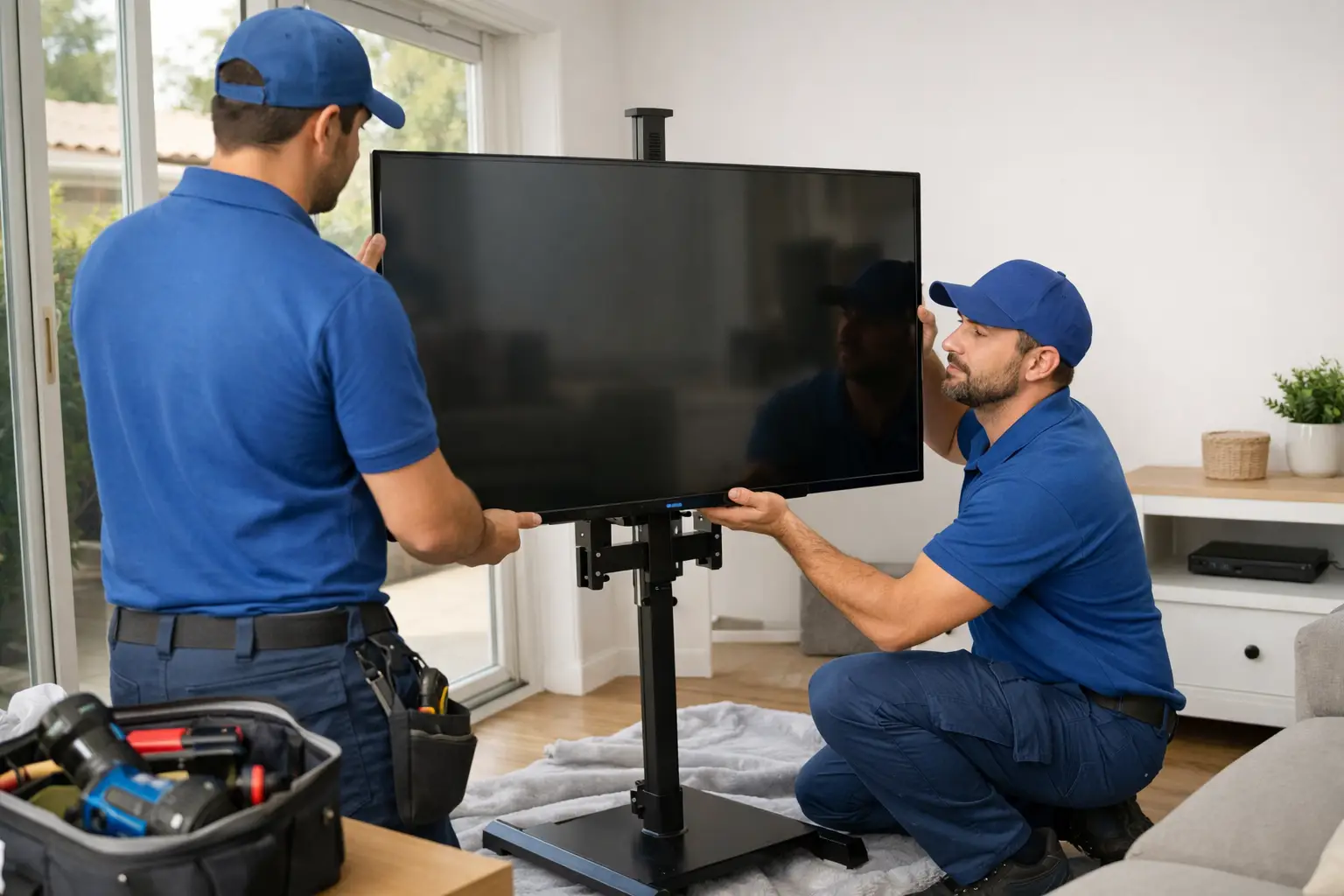


A wall-mounted TV can clean up a room fast, but a loose bracket, missed stud, or hidden wire can turn a simple upgrade into an expensive repair. Knowing how to mount TV safely means more than getting the screen level. The mount, wall, fasteners, viewing height, and cable plan all need to work together.
For many Los Angeles homes, walls can vary widely from one room to the next. You may be mounting into standard drywall over wood studs, metal studs, concrete, brick, or an older plaster wall. Never assume the same hardware that worked in one room will work in another.
Start With the TV, Mount, and Wall
Before drilling anything, confirm that the mount is designed for your TV. Check the TV’s size, weight, and VESA pattern – the spacing of the mounting holes on the back of the television. A bracket may look heavy-duty but still be incompatible with the hole pattern or weight of your specific model.
The mount’s listed weight capacity should exceed your TV’s actual weight, not just barely meet it. This extra margin matters when the mount has an articulating arm, since extending the TV away from the wall puts more leverage on the fasteners and framing.
Next, identify the wall material. The safest installation method depends on what is behind the finished surface:
- Wood studs behind drywall: This is the most common and usually the most straightforward option. Secure the wall plate directly into the center of at least two studs with appropriate lag bolts.
- Concrete or solid brick: Use masonry-rated anchors and screws made for the mount and wall condition. A hammer drill is often needed.
- Metal studs: Standard TV mounts should not simply be lag-bolted into thin metal studs. The correct solution may require specialized toggles, a mounting plate, backing, or a different location.
- Plaster, hollow wall, or unknown construction: Do not rely on the surface alone. A TV mount needs a verified structural attachment point or an engineered anchor system rated for the load.
Drywall anchors that are fine for a picture frame are generally not enough for a television. A TV can stay on the wall for a while with the wrong anchor, then fail after the mount is moved, bumped, or pulled forward.
Choose a Mount That Fits How You Watch
A fixed mount holds the TV close to the wall and is usually the cleanest, simplest option. It works well when you have a direct viewing position and do not need to reach the rear ports often.
A tilting mount gives you a small downward angle, which can help if the TV must sit slightly higher than eye level. A full-motion mount lets you pull the screen forward, turn it toward another seat, or angle it away from window glare. The trade-off is that full-motion mounts put greater force on the wall, need more clearance, and require especially secure installation.
Think about access before choosing. If you use a streaming device, game console, antenna connection, or soundbar, make sure the mount leaves enough room for cables and ports. A very slim mount may look great but can make it difficult to plug anything in later.
Find Studs Accurately Before You Drill
A stud finder is useful, but it should be treated as a starting point, not final proof. Scan the wall slowly in several directions, then use small test holes in the planned bracket area to confirm the stud’s exact edges and center.
Most wood studs are commonly spaced 16 or 24 inches apart, but older homes, remodeled walls, and areas around doors or windows can be different. Measuring from a confirmed stud can help, but do not drill based on spacing alone.
Once you find the studs, use a level to mark the bracket location. Check the marks twice before drilling. A mount that is only slightly off can make the TV look crooked, and correcting it later may leave unnecessary holes in the wall.
Avoid mounting directly over an electrical outlet unless you understand the wall layout and have confirmed where wiring runs. Electrical cables are often routed vertically or horizontally from outlets, switches, and light fixtures. Water lines, gas lines, and HVAC components may also be present in some walls.
Set a Comfortable, Safe Viewing Height
The center of the screen should usually sit near seated eye level. For many living rooms, that means the center of the TV is roughly 42 inches from the floor, though furniture height and room layout can change the right number.
The best way to decide is simple: sit where you normally watch, look straight ahead, and mark that approximate line on the wall. Then account for the TV’s height and the distance between the TV mounting holes and the center of the screen. The mount plate does not always sit at the same height as the screen center.
Mounting above a fireplace is sometimes the only practical layout, but it comes with trade-offs. The TV may be too high for comfortable viewing, and heat can shorten the life of electronics. If the fireplace is in use, check the temperature at the proposed TV location after the fire has been running. Also consider whether a tilting mount can reduce neck strain.
Before drilling, have someone hold a cardboard template or the TV box at the planned height. Step back and view it from the sofa, dining area, and other main seats. This two-minute check can prevent a placement decision you regret every day.
Install the Bracket Without Guesswork
Read the mount instructions fully, even if you have mounted TVs before. Hardware kits often include several screw sizes, spacers, washers, and anchor types because TVs and wall conditions vary. Use only the hardware specified for your TV and wall type.
Attach the wall plate to confirmed structural support. For a wood-stud installation, predrill pilot holes of the correct size to help prevent splitting and to make the lag bolts easier to drive. Tighten the bolts firmly, but do not overtighten them to the point of stripping the wood or damaging the bracket.
Attach the TV-side rails or plate using the correct screws. The screws must engage the threaded mounting holes properly without bottoming out inside the TV. If the screws are too long, they can damage the television. If they are too short, they may not hold securely. Spacers are not optional when the TV back is curved, recessed, or uneven.
With a second person helping, lift and lock the TV onto the wall plate. Large screens are awkward, fragile, and easy to damage at the corners. Do not try to hang a heavy TV alone just to save a few minutes.
After the TV is mounted, engage every safety latch or locking screw included with the bracket. Then gently test the installation. The mount should not shift, rock, pull away from the wall, or make cracking sounds. If anything feels questionable, take the TV down and correct the issue before use.
Plan Cables Without Creating Another Hazard
A clean cable setup improves the finished look, but safety comes first. Keep power cords accessible and avoid pinching them behind the mount. Never run a standard TV power cord inside the wall. It is not rated for concealed use and can create a fire risk.
If you want hidden power, use an in-wall power relocation kit rated for that purpose or have a qualified professional install a proper outlet behind the TV. Low-voltage HDMI, Ethernet, and speaker cables can often be routed through approved wall plates, but they still need to stay clear of sharp edges and moving parts of an articulating mount.
Leave enough slack for the TV to tilt or extend. Pull the mount through its full range of motion while watching the cables. A cable that looks fine when the screen is flat can be stretched or disconnected when the arm is extended.
When It Makes Sense to Call a Pro
DIY mounting is reasonable when you can confirm wood studs, have the right tools, and are installing a straightforward fixed or tilting mount. It is smarter to get help when the wall construction is unclear, the TV is oversized, the mount is full-motion, or you need concealed wiring.
The same applies to plaster walls, metal studs, masonry, fireplaces, and locations near plumbing or electrical fixtures. These jobs are not impossible, but the wrong approach can cause wall damage or put a costly TV at risk.
SparkCore Handyman Services can help homeowners who want a secure, level installation without spending a weekend troubleshooting studs, hardware, and cable clearance. A properly mounted TV should feel boring after installation – straight, solid, easy to watch, and never something you worry might come down.